Enjoy Streaming App for Real Movie Fans
Download Now
Download MediaBox HD App for Windows 10 PC
 MediaBox HD App Experience
New Updates
Patch Notes
Latest updates:
Enjoy viewing in classic style.
Download clips for offline use.
Shuffle play is now active.
Fresh genres have been integrated. S...

Hotfixes: List of Changes
Upgrade MediaBox HD today!
Stream content in crystal clear quality, supporting resolutions up to 4K Ultra HD. Access the newest cinematic hits l...
Update Released
MediaBox HD, the cost-free Android media tool, just got a major overhaul. This version introduces a refreshed design and expanded codec support for v...
Download MediaBox HD App for PC
Install NowEnjoy Ad-Free Streaming: Download MediaBox HD for Windows & Android
MediaBox HD is a comprehensive, free, and open source cross-platform media player designed to function as a complete entertainment hub for the modern user. By leveraging advanced MediaBox HD streaming capabilities, this application provides a seamless way to access a vast array of digital content across multiple environments. It is fully available for MediaBox HD for Windows 10, macOS, Linux, Android, and iOS, ensuring that users can maintain their MediaBox HD entertainment ecosystem regardless of their preferred hardware. The application features a specialized 10-foot user interface, which is specifically optimized for use with televisions and remote controls, allowing for a cinematic experience from the comfort of a couch. For those using mobile devices, it is an essential app for Android devices that allows users to watch movies with ease. While the core MediaBox HD experience is free to use, a paid subscription is available for users who wish to access premium content and expanded features.
Interface
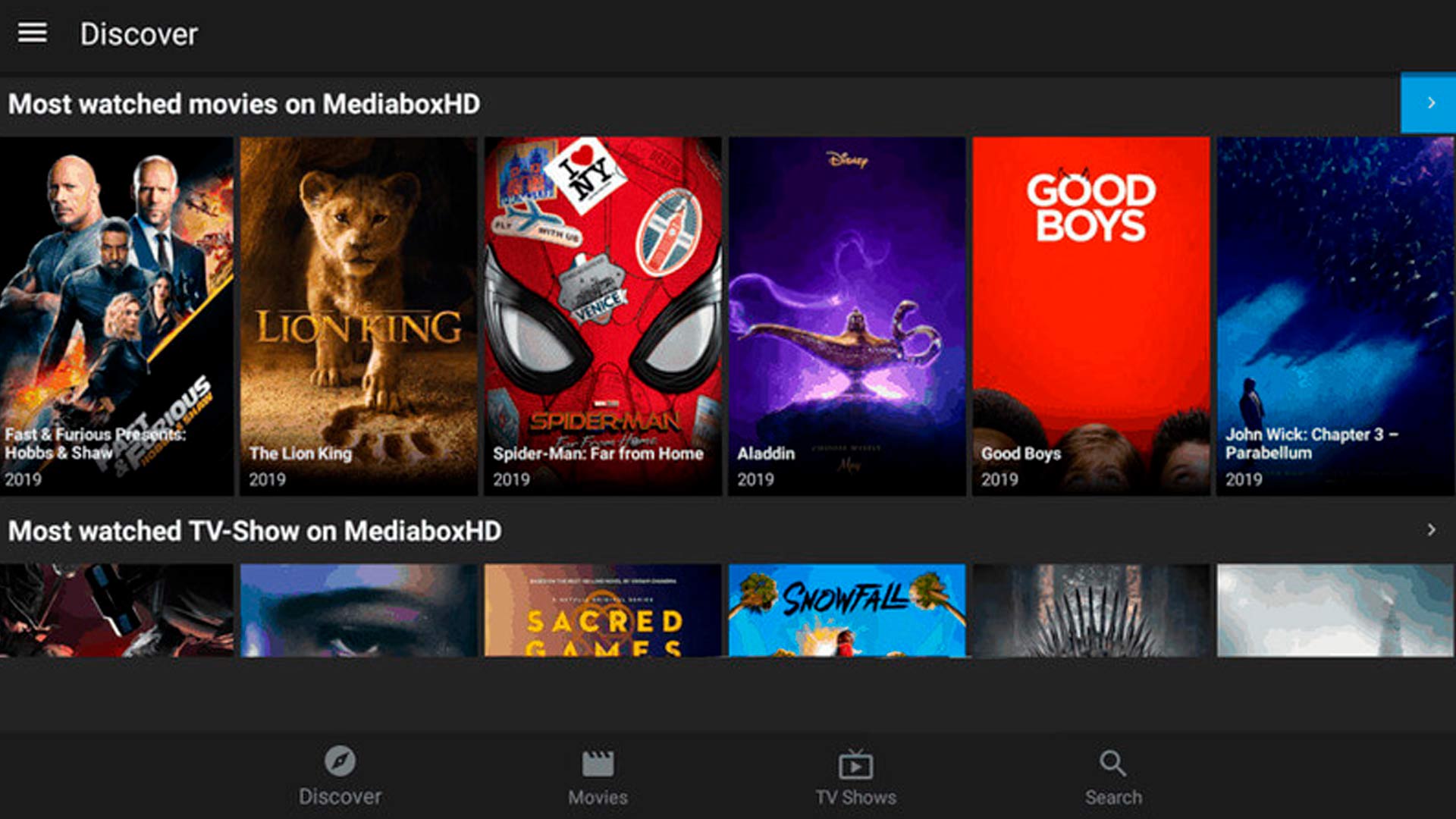
The interface of MediaBox HD is designed to be exceptionally user-friendly and intuitive, catering to both tech-savvy users and beginners. The main menu is logically divided into four primary sections: Movies, TV Shows, Music, and Settings. Within each of these sections, there are detailed subsections that provide granular control over the viewing experience. For example, under the Movies section, users can efficiently access their personal movie library, search for new titles, and manage their preferences. The overall layout is clean and organized, which significantly reduces the time spent searching for specific media.
"The MediaBox HD user experience is a benchmark for third party media players, offering a streamlined flow that feels native to every operating system it supports."
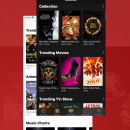
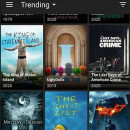
The main screen presents a curated list of movies and TV shows that users can scroll through using a simple navigation system. When a specific title is selected, the app displays comprehensive information about the content, including a detailed synopsis, community ratings, and total runtime. To enhance the MediaBox HD user experience, users can quickly add content to their personal watchlist or download the MediaBox HD APK for offline viewing. Additionally, the robust search function allows for the immediate location of specific actors, directors, or titles.
Usability and Compatibility
Navigating this software is remarkably simple. The solution for MediaBox APK features a straightforward interface that ensures users never feel lost. Every feature and option is clearly labeled and positioned for maximum accessibility. The application is highly responsive and fast, ensuring that there is no lag during playback or menu transitions. For those who prefer a desktop setup, the MediaBox download for PC is easy to install and offers a massive selection of high quality movies and TV shows. To further improve the MediaBox HD playback optimization, the app automatically adjusts to the hardware capabilities of the connected device.
To help users understand the MediaBox HD streaming performance across different platforms, refer to the following technical specifications:
| Platform | Installation Method | Primary Feature | Optimized For |
|---|---|---|---|
| Windows 10 | MediaBox download for PC | Full Library Management | Desktop Monitors |
| Android | MediaBox HD APK | Mobile Streaming | Touchscreens |
| iOS | App Store/Direct | Portable Viewing | Retina Displays |
| Xbox One | MediaBox for Xbox One | 10-foot UI | Game Consoles |
| macOS/Linux | Direct Installer | Open Source Flexibility | Workstations |
Functionality
MediaBox HD is a powerful and feature-rich media player that handles almost any file type with ease. The application supports a vast array of video and audio formats, including MKV, MP4, AVI, WMV, FLV, WAV, and MP3, among others. This broad compatibility ensures that users do not need to convert files before watching them. Beyond simple playback, the app offers advanced MediaBox HD library management tools, allowing users to categorize their content and keep their collections organized.
Users can take advantage of several professional playback controls, including:
- Customizable subtitle tracks and synchronization.
- Advanced audio equalization for different speaker setups.
- Playback speed control for faster or slower viewing.
- MediaBox HD content synchronization across linked devices.
The depth of features available in the MediaBox HD for PC download makes it a viable alternative to expensive proprietary software.
Support and Community
The level of support available for this application is excellent. The application MediaBox for Xbox One and other versions benefit from extensive MediaBox HD documentation that covers every feature and option in great detail. This online guide ensures that users can troubleshoot common issues without needing to contact technical support. Furthermore, the MediaBox HD community support is a vital asset, consisting of a strong network of users who share tips, fixes, and content recommendations.

Features
MediaBox HD provides a centralized location to view movies and shows online. Its primary strength lies in the combination of a massive content library and a user friendly interface. The ability to download content for offline use makes it ideal for travelers or those with unstable internet connections.
Detailed Features of MediaBox HD app:
- Third Party Streaming: It functions as a versatile streaming app that offers a wide variety of free movies and TV shows.
- Multi Platform Availability: The application is fully compatible with Android, iOS, and Firestick devices.
- Intuitive Design: It features a clean interface that minimizes clutter and maximizes content visibility.
- Genre Diversity: Users can browse through a wide range of movies and TV shows across all major genres.
- Content Updates: The development team regularly updates the content library to include the latest releases.
- Premium Options: A paid subscription is available for those seeking exclusive premium content.
- Ad Supported Model: To keep the core service free, MediaBox HD is supported by non intrusive advertisements.
Pros and Cons
| Pros of MediaBox HD | Cons of MediaBox HD |
|---|---|
| Completely free core version | Contains advertisements in free version |
| Cross platform synchronization | Premium content requires a subscription |
| Support for almost all media formats | Requires stable internet for streaming |
| Excellent community documentation | Initial setup on some OS may take time |
FAQ
- What are the minimum requirements for MediaBox HD?
To ensure smooth MediaBox HD streaming performance, your device should meet these requirements:- A minimum of 512MB of RAM
- A minimum of 50MB of free storage space
- A stable internet connection
- How do I install the MediaBox HD application?
To install, you must first download the application from the official website. Once the file is saved to your device, run the installer and follow the on screen prompts. - How do I use MediaBox HD download for Mac?
Simply install the application on your macOS device. Once launched, you can begin streaming or using the MediaBox HD library management features immediately. - How much does the app cost?
MediaBox HD is fundamentally a free app, though premium subscriptions are available. - What devices does MediaBox HD work on?
The product works on all iOS devices, as well as Android, Windows, Linux, and Xbox One. - What do I need to use MediaBox HD on iOS?
All you need is a compatible iOS device and a stable internet connection for streaming. - Is MediaBox HD safe for my device?
Yes, as an open source project, it is transparent and widely trusted by the MediaBox HD community support network. - How does MediaBox HD handle offline viewing?
Users can download specific titles directly to their device storage, allowing them to watch content without an active internet connection. - What are the benefits of a MediaBox HD paid subscription?
A subscription removes ads and grants access to a wider selection of premium, high definition content.
Conclusion
In summary, MediaBox HD is a top tier media player and entertainment center. It is easy to use, highly responsive, and packed with professional features. The combined strength of the MediaBox HD documentation and the active community makes it a reliable choice for any user. It provides an exceptional way to watch and download movies and TV shows for free. By offering a user friendly interface and broad platform compatibility, the application simplifies the way we consume digital media. When considering the MediaBox HD overall value, it stands out as a powerful tool for anyone looking to centralize their entertainment experience across multiple devices.